 Published
MediaDock by MikaiL
MediaDock adds the small tools browsers are missing: pop any video into Picture-in-Picture, auto-advance to the next video with Auto Scroll, lock in your preferred YouTube quality, and download the original thumbnail or any image on a page — as JPG, PNG or WEBP. No accounts, no servers, no tracking.
What's inside
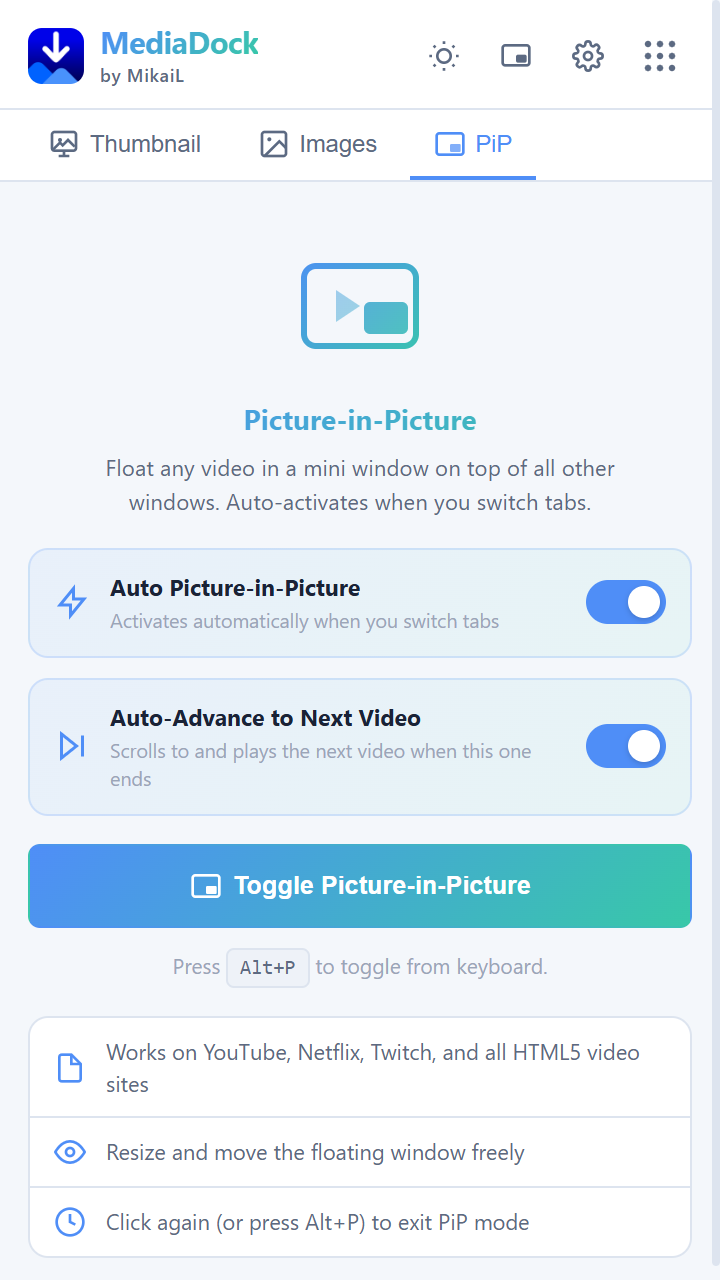
Picture-in-Picture
Pop any video into a floating PiP window with one click, including Auto PiP on supported pages.
Auto Scroll
Automatically advances to the next video — including YouTube Shorts — so you don't have to.
YouTube video quality
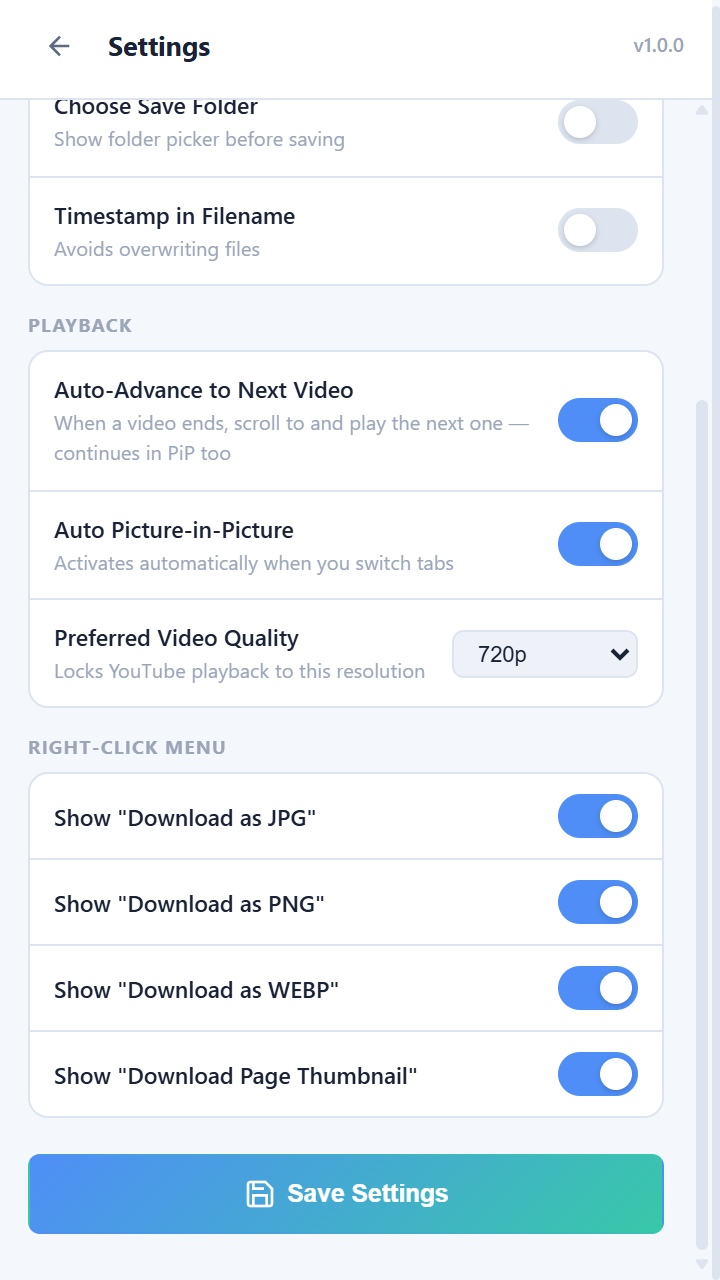
Set a preferred playback quality (Auto or 144p–2160p) and MediaDock applies it automatically.
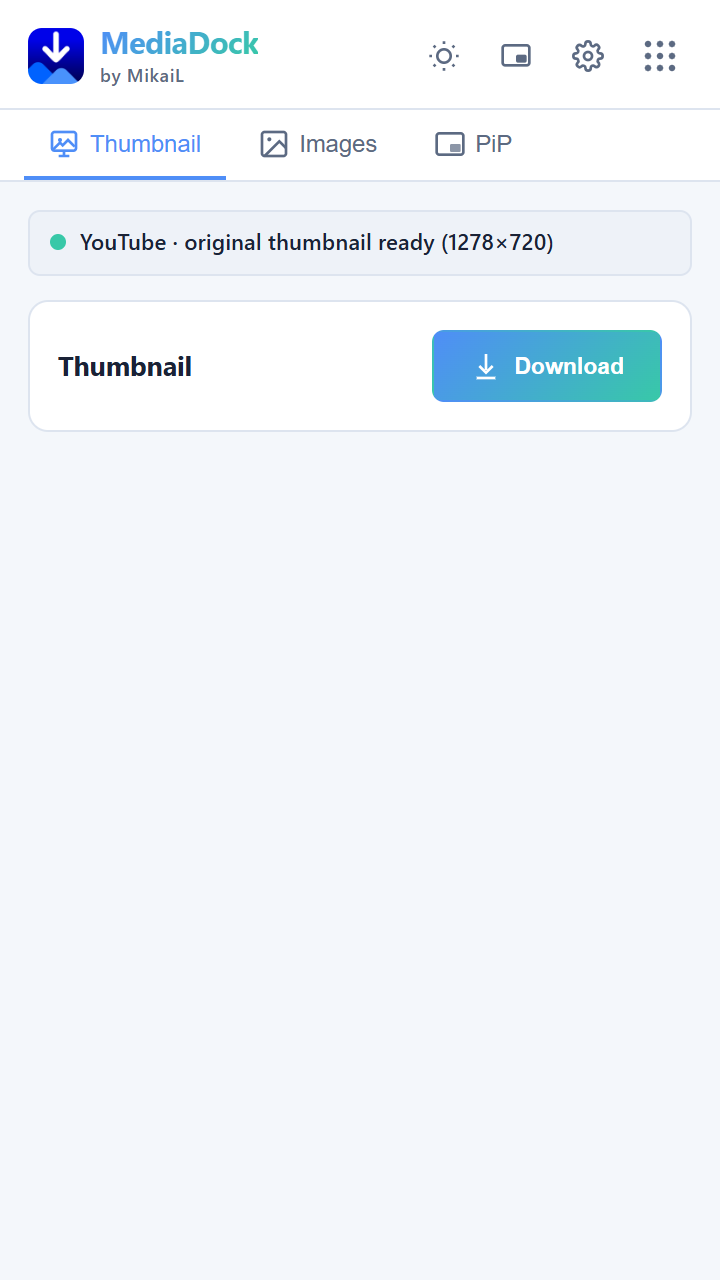
Original thumbnail download
Grabs the highest-resolution YouTube thumbnail available and saves it in one click.
Image downloads
Save any image on a page as JPG, PNG or WEBP, with an optional save-location prompt and timestamped filenames.
Right-click menu
Save image, copy image URL, download thumbnail, and toggle Picture-in-Picture — right from the context menu.
See it in action
How it works
Install
Add MediaDock to Chrome from the Chrome Web Store.
Pin it
Pin the icon to your toolbar for one-click access on any tab.
Open a video or image
Visit YouTube or any page with images — MediaDock detects what it can work with.
Use a tool
Trigger Picture-in-Picture, Auto Scroll, pick a video quality, or download the thumbnail/image — from the popup or the right-click menu.